
Course transcripts
Online instructor
Turn recorded lessons into editable transcripts, summaries, and reusable study material for students.
Example workflow
Upload MP4 video and get a readable text transcript, summary, and notes in Notesnip.
Notesnip's MP4 to text tool extracts speech from lecture recordings, Zoom exports, owned video files and other MP4 videos, then turns it into a transcript, summary, and study notes. Upload files up to 500 MB and 30 minutes. Whether you're archiving interviews, captioning courses, or extracting quotes for an article, mp4 to text sits at the center of every modern content workflow. Notesnip makes it a one-click job.
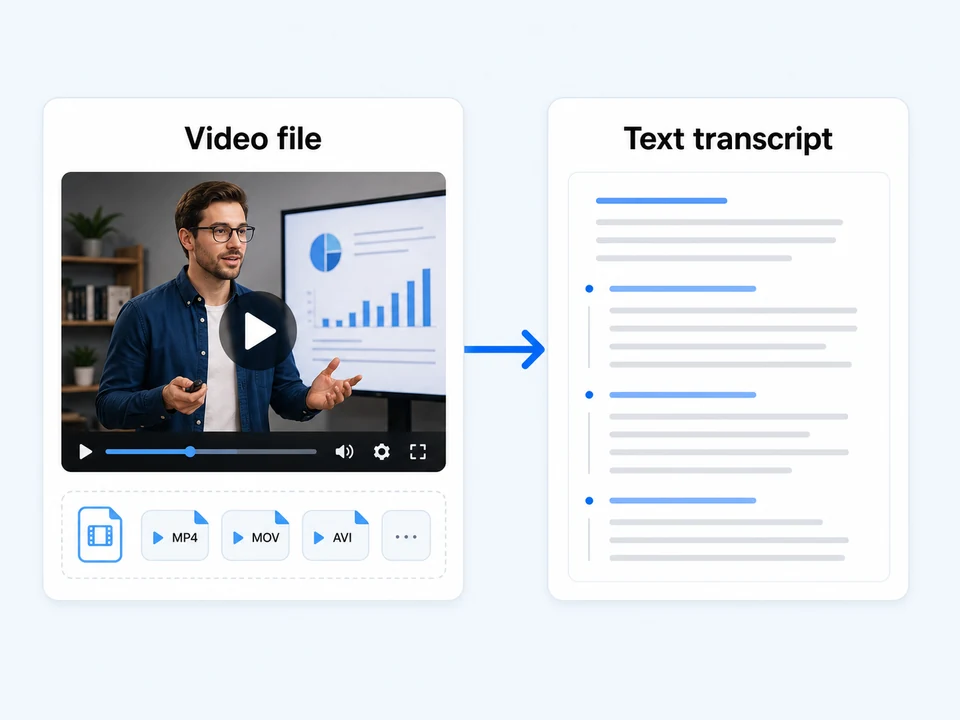
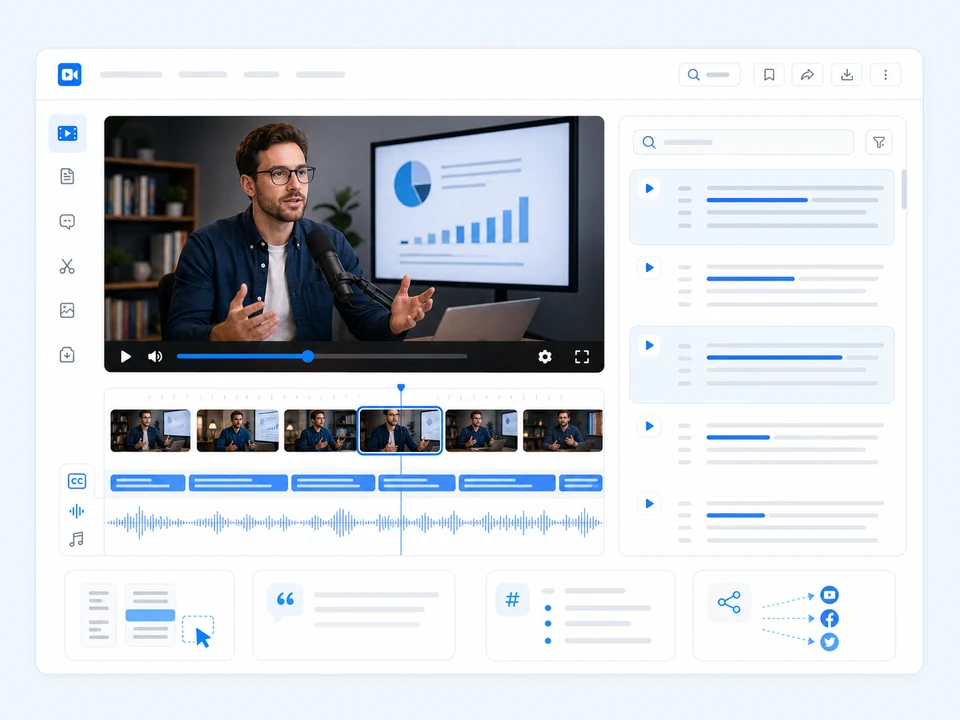
Manual transcription is tedious, especially when you also need punctuation, timestamps, and reusable notes. Notesnip helps convert supported mp4 sources into a readable text workflow you can review, edit, and export.
Everything you need to turn mp4 recordings into usable text without fighting software.
Keep sources, transcripts, summaries, and study notes together in one searchable workspace.
Export as TXT, Markdown, SRT, WebVTT, or CSV — timestamps, speaker labels, and cue indices preserved.
Try the core workflow for free, then sign in to save history and use higher quotas.
Readable formatting, summaries, suggested questions, and topic-focused study output.
Uploads are encrypted in transit and deleted after processing. Your recordings never train any model.
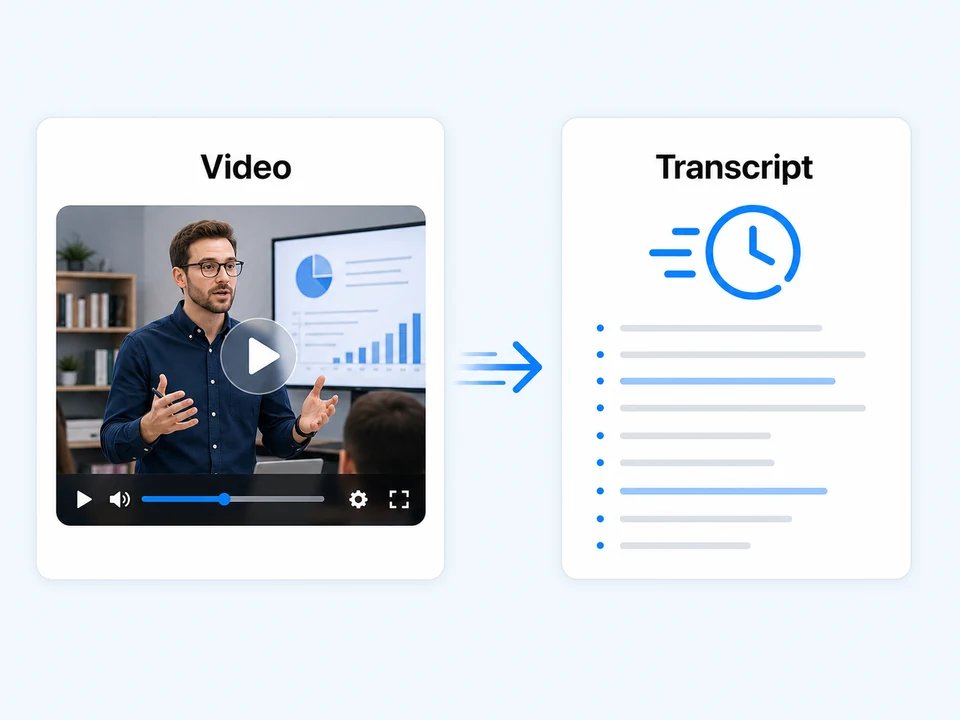
Processing time depends on source length, audio quality, and current system load.
Drag and drop a supported MP4 file. Upload limits depend on file type and plan.
Notesnip extracts text, cleans it up, and prepares summaries and study notes when analysis is available.
Copy, download as Text, or pipe the output straight into a summary or notes.
Turn supported mp4 sources into editable text and notes.
Free plan available · Sign in for uploads
Use Notesnip to turn source material into editable text, study notes, and searchable context.
Online instructor
Turn recorded lessons into editable transcripts, summaries, and reusable study material for students.
Founder or operator
Convert client calls and review sessions into searchable notes with key moments and follow-up questions.
Marketing team
Extract clean talking points, quotes, and source text from webinars, demos, and recorded presentations.
Student
Review long lectures with timestamps, summaries, flashcards, and a chat grounded in the transcript.
People team
Create searchable documentation from onboarding videos, internal recordings, and training sessions.
Content creator
Find reusable quotes, chapters, and newsletter-ready notes from interviews and long-form episodes.
No desktop install is required. Upload a supported MP4 file in the browser and Notesnip handles the transcription workflow.
Up to 500 MB per video upload, with a 30 minutes duration limit for uploaded video sources.
Notesnip focuses on extracting the spoken content and turning it into useful notes. Speaker labels may vary by source and processing path.
Yes. Download your transcript as SRT or WebVTT for use in Premiere, Final Cut, DaVinci Resolve, or any HTML5 player — with original timing preserved.
Transcription supports many languages, and language quality depends on audio clarity and the underlying speech model.
Yes. All uploads are encrypted in transit over HTTPS, and files are deleted after transcription completes. We never use your video to train models.
Processing time depends on file length, audio quality, and current system load. Short clips usually finish quickly.
If you work with MP4, you might also need:
Upload MOV video and get a readable text transcript, summary, and notes in Notesnip.
Upload WebM video and get a readable text transcript, summary, and notes in Notesnip.
Upload MKV video and get a readable text transcript, summary, and notes in Notesnip.